


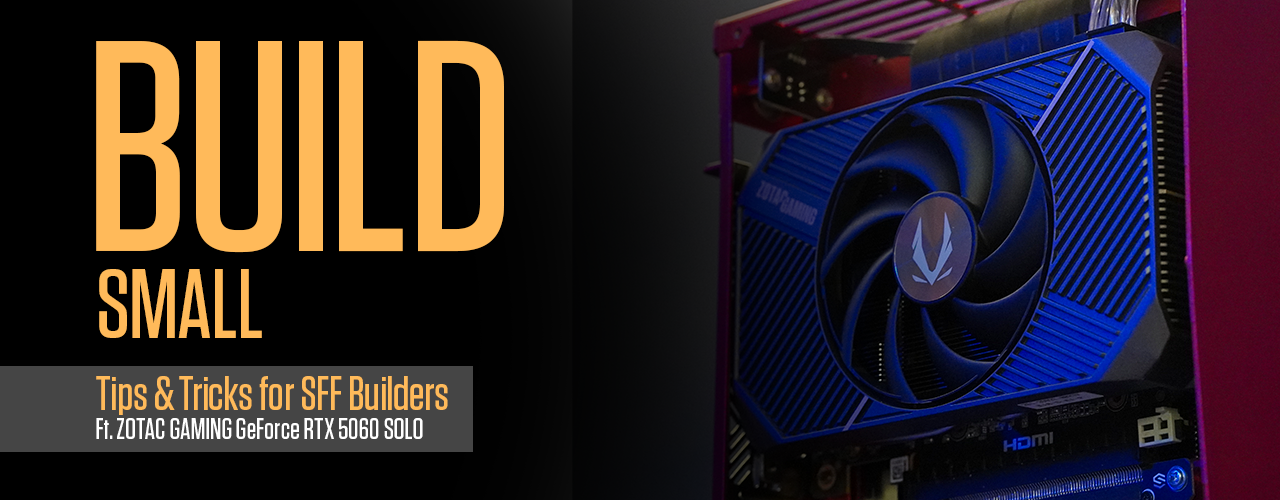
BUILD SMALL: Tips & Tricks for SFF Builders Ft. ZOTAC GAMING GeForce RTX 5060 SOLO
2025.08.06 3:00 AM
You can’t deny there’s something uniquely appealing about ITX builds. It could be smaller than a shoebox, yet compete with PCs many times larger. ZOTAC is known for pioneering the Mini PC category, but in our GPU catalog, we also have plenty of small variants perfect for SFF and ITX builds, if you so choose to build one yourself!
Meet the ZOTAC GAMING GeForce RTX 5060 SOLO! A card so small that it practically fits into anywhere, thanks to its single-fan, dual-slot design. Of course, you get all of the 50 Series goodies: NVIDIA Blackwell Architecture, DLSS 4 and Multi-Frame Generation, even FP4 AI inference for AI enthusiasts packed into one super-compact build.
Here, we have an example ITX PC build with this petite GPU:
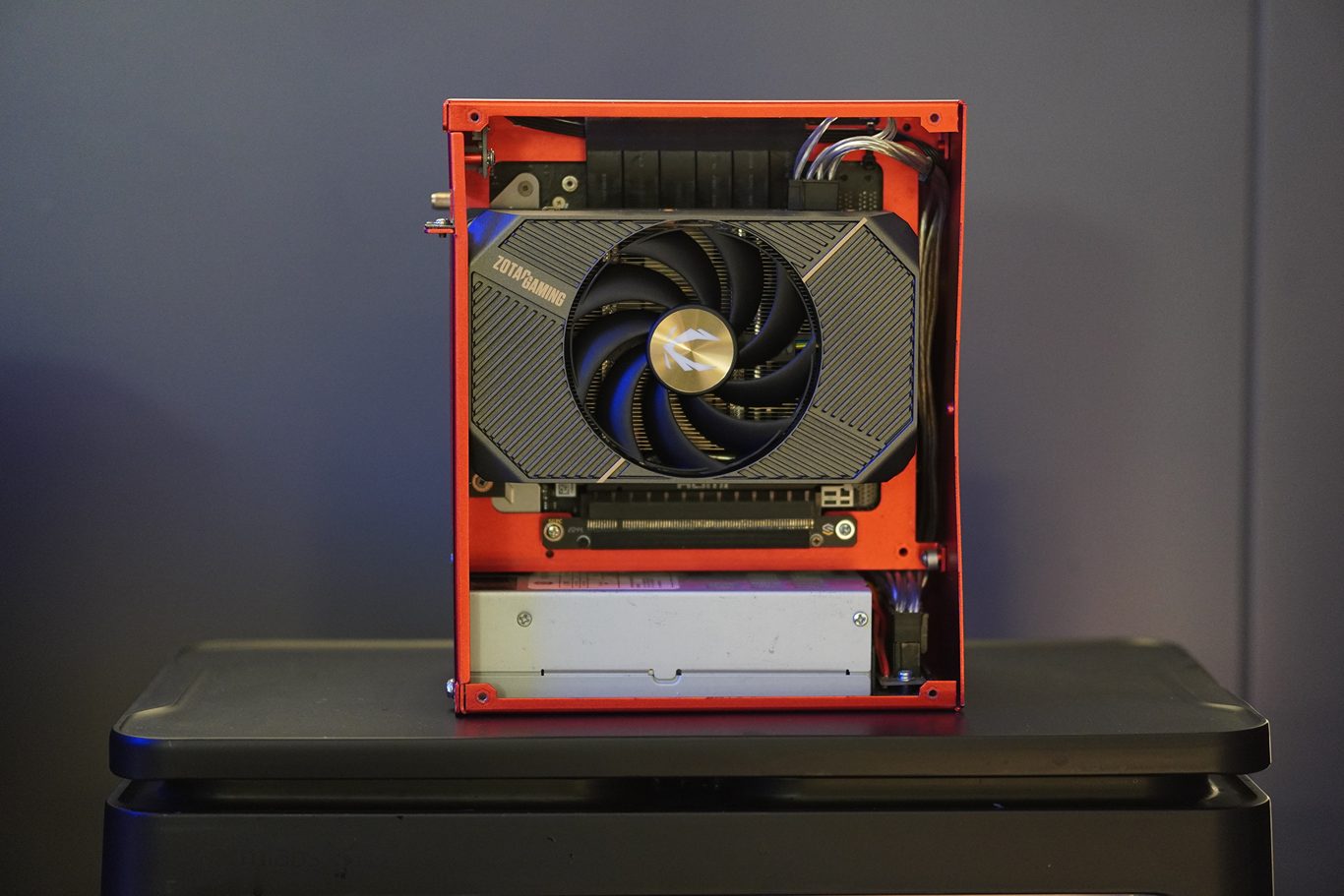
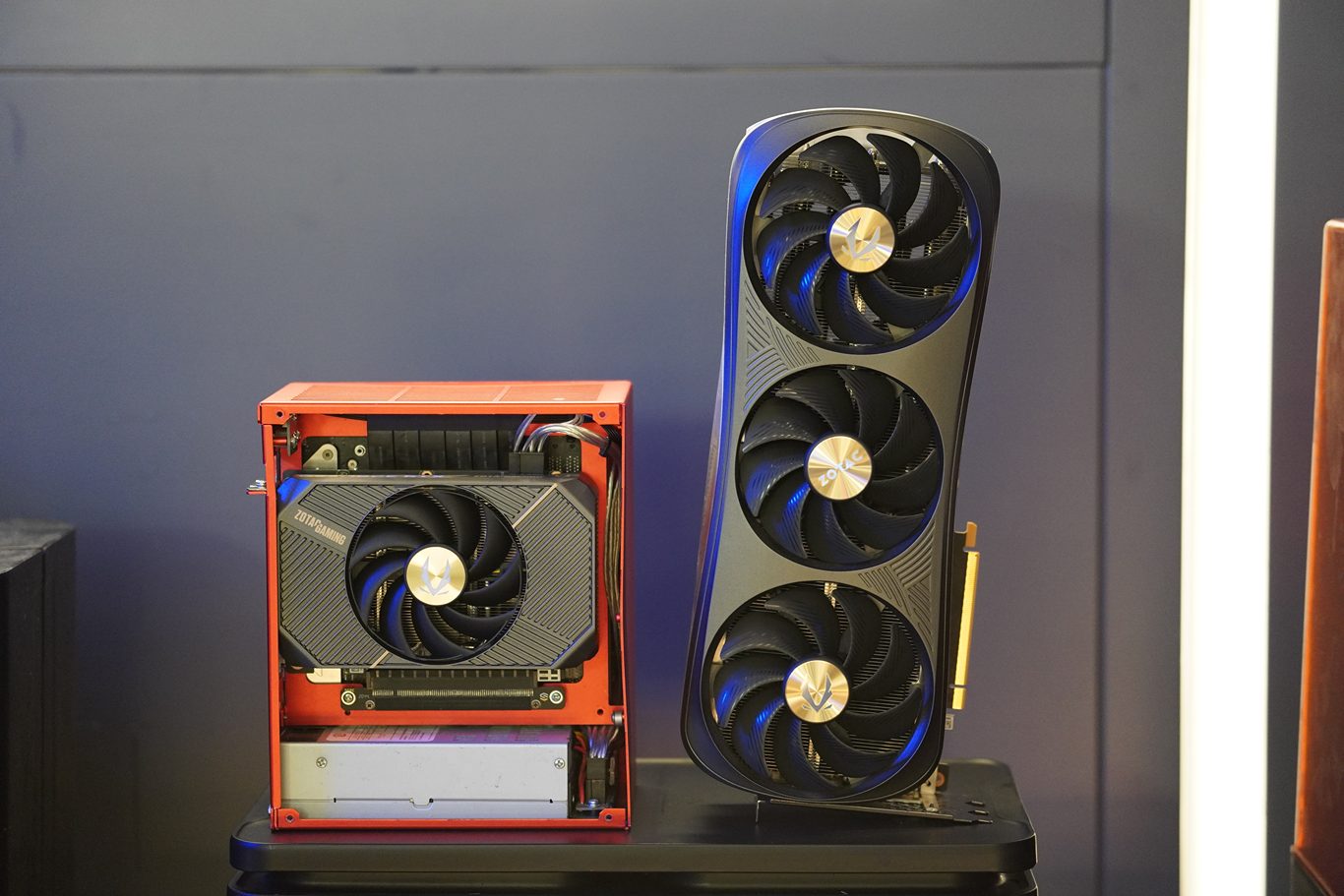
Even the entire build is smaller than a full-sized GPU!
Aside from our own GPU, this build also features an ITX motherboard, dual-channel RAM, and terabytes of storage. It’s your typical gaming PC shrunk down to the size of a console, perfect for couch gaming, or when you simply do not have the space for larger ATX towers.
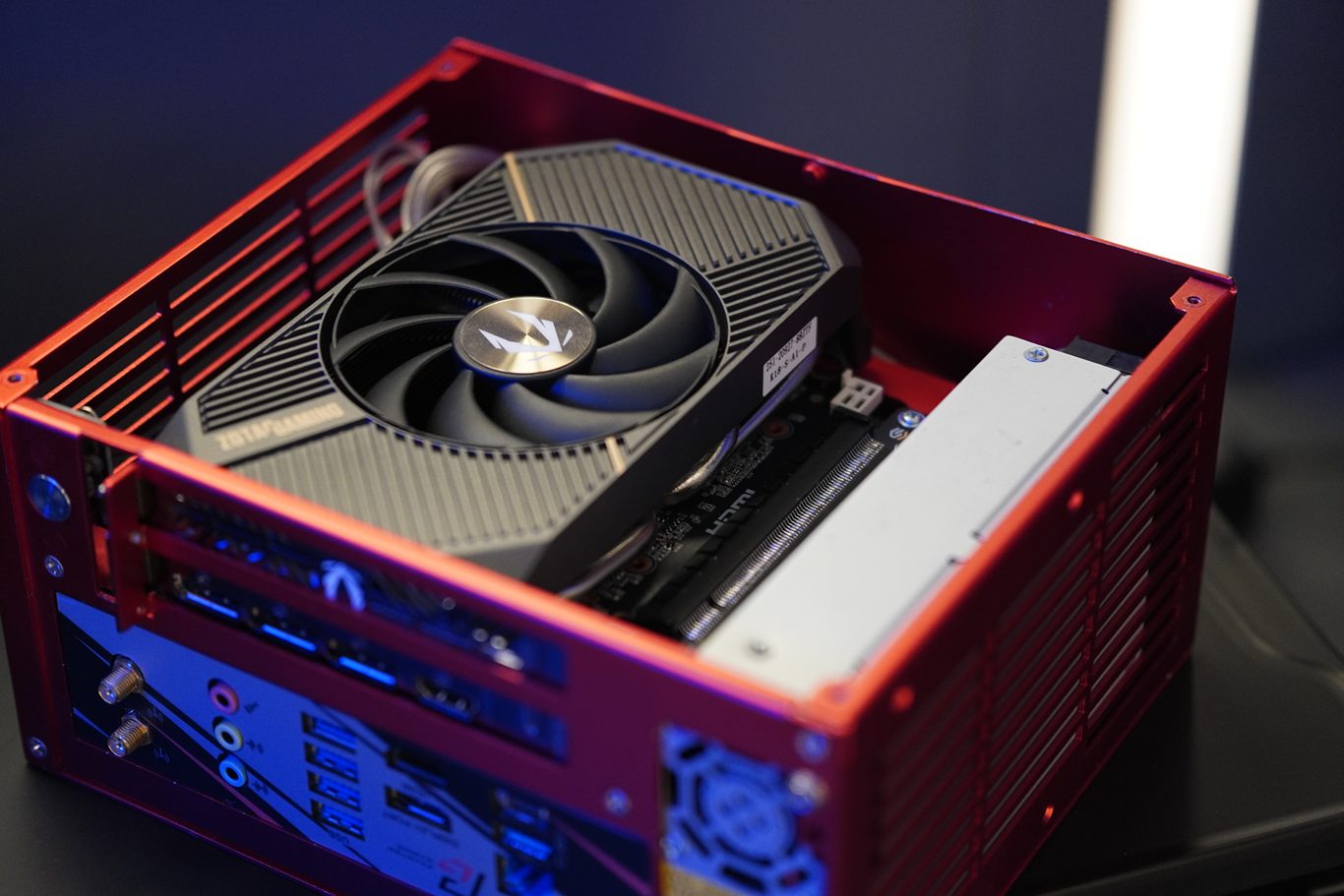
With a little effort, you too can build a PC as nifty as this one!
Here are some simple tips to make building a small PC like this fun and easy:
- Case (And GPU) First, Parts later: Building at the ITX footprint is all about parts synergy. While most parts have somewhat standardized sizes across many product models, cases and GPUs are less so, and these two components will determine the kind of SFF PC you would be building. Pick a case you can handle, and double-check GPU clearance.
- Install as many components onto the motherboard first, before mounting it into the case. For instance, your RAM sticks, SSDs, and even the CPU and its cooler. While this is the optimal order of installation for most cases, it’s especially true for small cases like the one above, unless you like squeezing your fingers into tight spots just to pop in those RAM sticks.
- Use at least a PCIe 4.0 extension cable. A lot of these ITX cases may not come with the PCIe cable required to install the GPU, but even if they do, it may only be of PCIe 3.0 speed. Getting yourself at least a 4.0 cable would allow your 5060 SOLO to run without bandwidth concerns.
- Manage your cables! Again, this is true for all builds, but with ITX cases, you rarely have the space to just shove the cables on one side and hide it with a panel. Plus, messy cables could negatively affect airflow in extremely small cases that have minimal breathing room to begin with.
Use zip-ties and Velcro to arrange the cables neatly, and maybe use a modular power supply so you can reduce bulk by simply attaching only cables needed for your build.
- Undervolt and tune for maximum potential: By using your processor’s BIOS tools, you can make your CPU cooler and run more efficiently, which could make a massive thermal and performance difference in small builds. There are many guides online that teach you how, but please keep in mind that no two CPU will have the same tuning potential due to silicon lottery.
Have fun, and happy building!


